
Retail Software
Bestände kennen. Warensicherung im Blick behalten.
Mit ItemOptix nutzen Sie RFID für Inventuren und Bestandsübersicht. Mit Store Operations behalten Sie die Systeme und Alarme Ihrer Warensicherung im Blick. Lernen Sie die passende Software für Ihre Aufgabe kennen.
Für Handelsunternehmen, die Bestandsprozesse oder ihre bestehende Warensicherung verbessern möchten.
ItemOptix
Welche Artikel sind tatsächlich verfügbar?
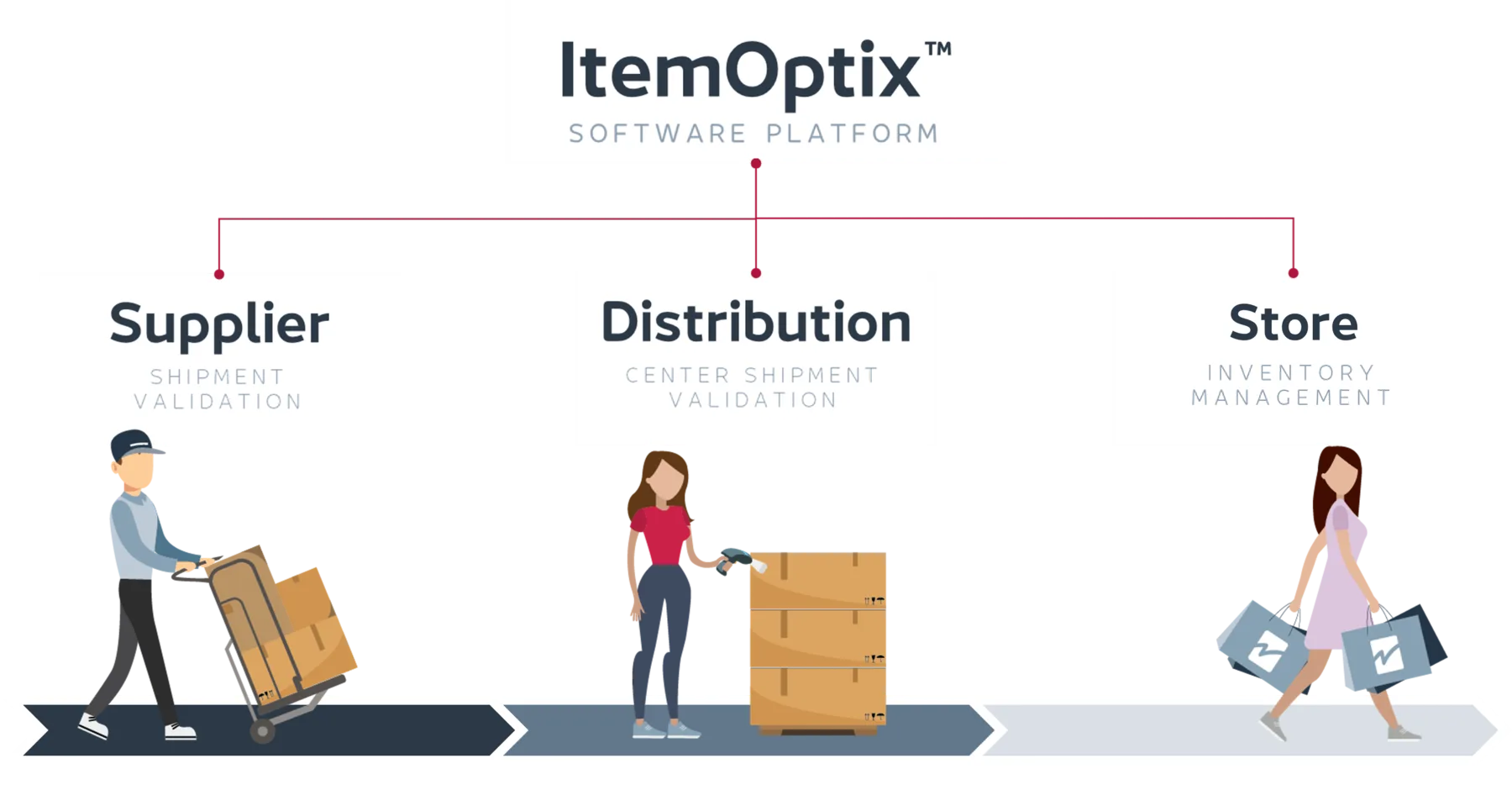
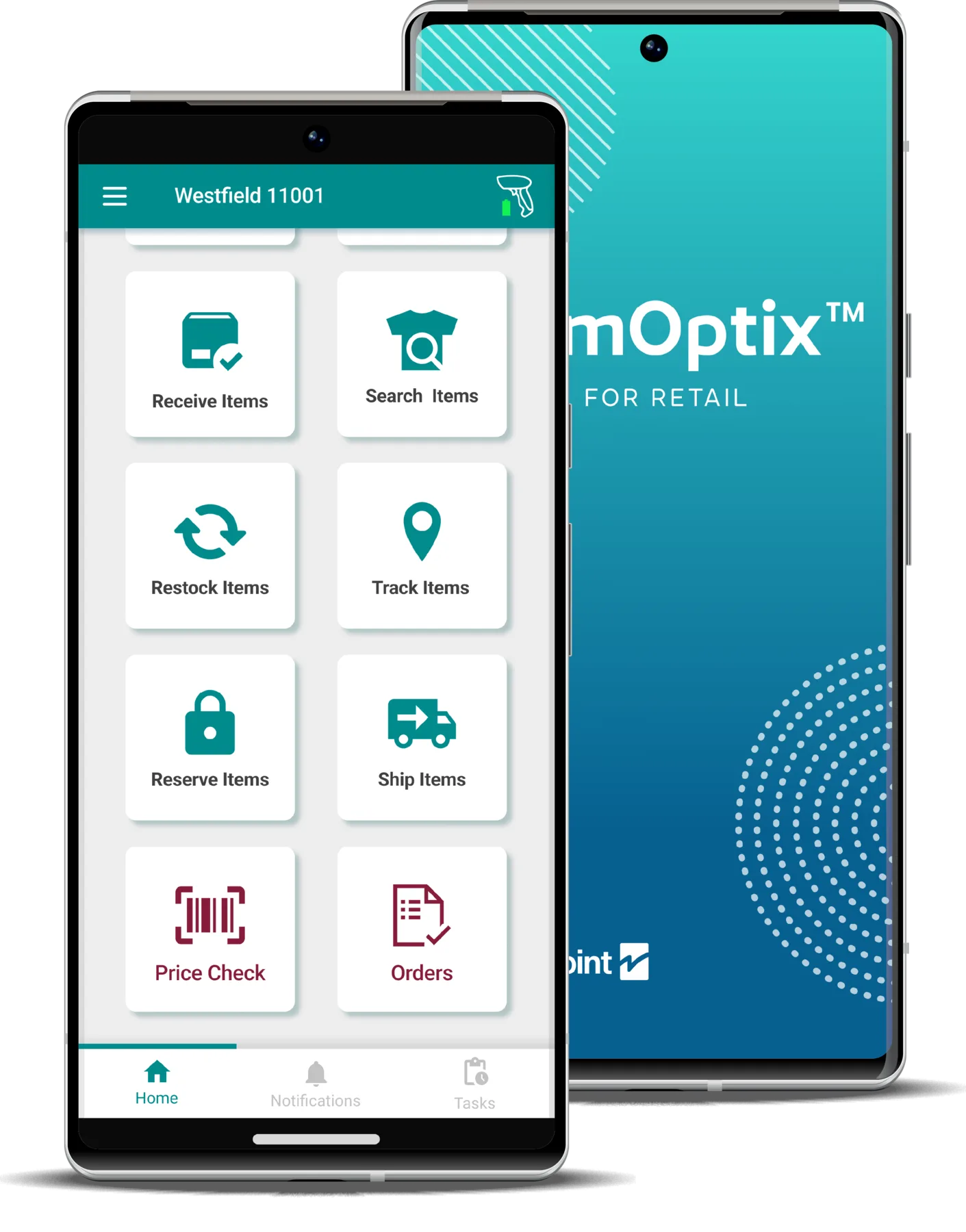
Wenn der Systembestand nicht zur Ware in der Filiale passt, werden Nachschub und Kundenauskünfte schwierig. ItemOptix unterstützt die Erfassung und Übersicht von RFID-Beständen.
- RFID-Inventuren mit mobilen Arbeitsabläufen
- Bestände im Portal überblicken und Abweichungen erkennen
- Die Anbindung an bestehende Systeme gemeinsam planen
Ihr Thema für die Demo: Wie lässt sich eine RFID-Inventur in Ihrer Filiale durchführen und der erfasste Bestand weiterverwenden?
Store Operations
Was passiert mit der Warensicherung in Ihren Filialen?
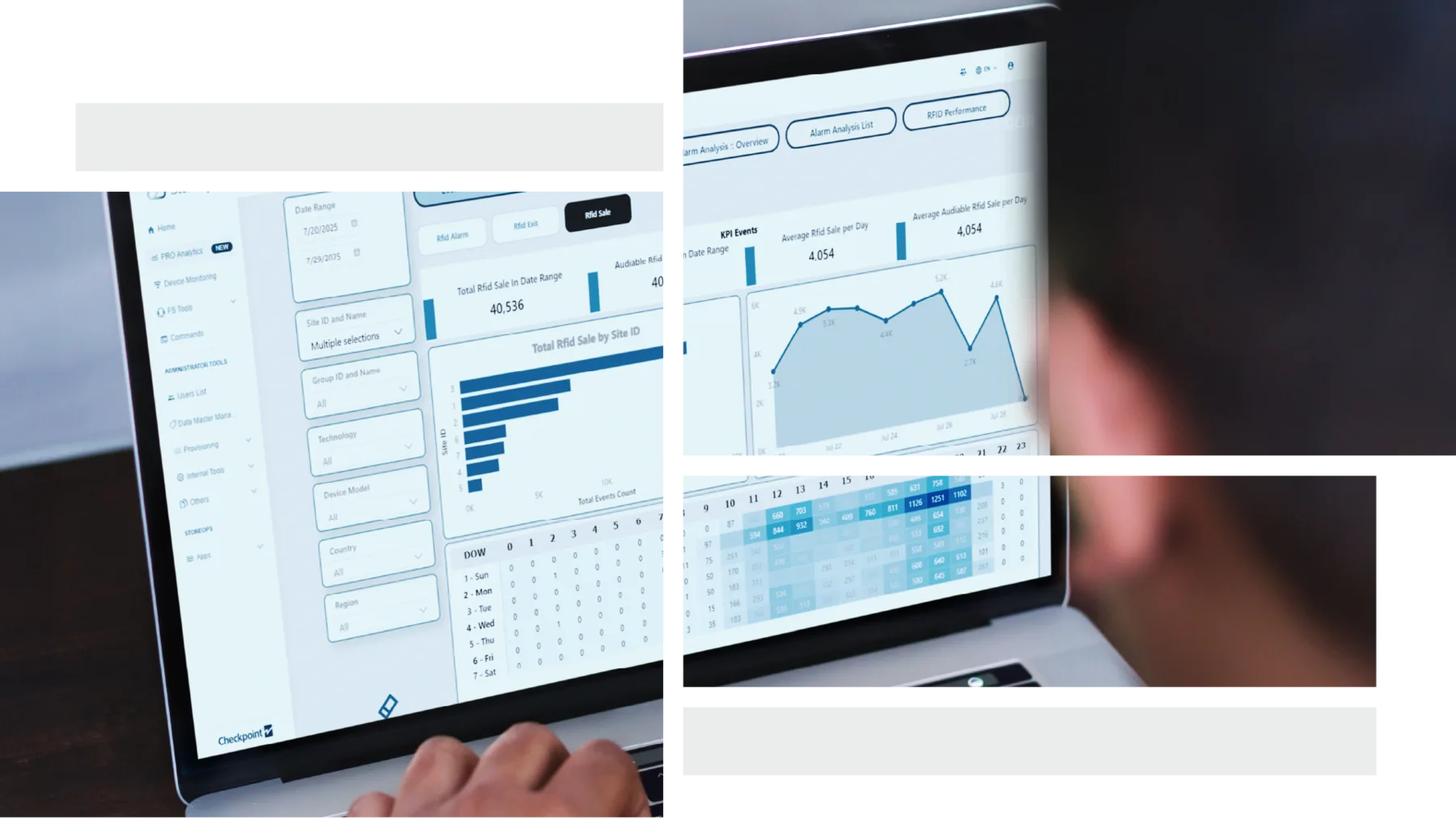
Store Operations führt Informationen aus angebundenen EAS- und RFID-Systemen zusammen. So können Sie Alarme und den Gerätestatus zentral betrachten, statt Informationen einzeln bei den Filialen abzufragen.
- Alarme und Systemstatus im Überblick
- Auswertungen für Filiale und Zentrale
- Kompatibilität mit Ihrer installierten Hardware prüfen
Ihr Thema für die Demo: Welche Informationen Ihrer Warensicherung lassen sich zentral anzeigen und für die tägliche Arbeit nutzen?
Ihre Demo
Erst Ihre Aufgabe, dann die Software
- Sie nennen Ihr Interesse. ItemOptix, Store Operations oder zunächst eine Beratung zur Auswahl.
- Wir stimmen den Termin und Schwerpunkt ab. Zum Beispiel Inventur, Bestandsübersicht oder Alarmüberwachung.
- Wir besprechen Anwendung und Voraussetzungen. Dazu gehören vorhandene Hardware, Datenanbindung und offene Fragen zur Einführung.
Für die erste Anfrage benötigen Sie weder ein Pflichtenheft noch eine vollständige Aufstellung Ihrer Systeme.
FAQ
Welche Software passt zu Ihrer Aufgabe?
Was unterscheidet ItemOptix und Store Operations?
ItemOptix unterstützt RFID-Bestandserfassung und Bestandsprozesse. Store Operations dient dem Überblick über angebundene Warensicherungssysteme, ihre Alarme und ihren Status. Die Lösungen erfüllen unterschiedliche Aufgaben.
Ist ItemOptix eine allgemeine Warenwirtschaft?
Der Schwerpunkt liegt auf RFID-Beständen und den dazugehörigen Arbeitsabläufen. Wie diese Informationen mit Ihrer vorhandenen Warenwirtschaft zusammenspielen, prüfen wir anhand Ihrer Systemlandschaft.
Kann ich meine vorhandene Hardware nutzen?
Das hängt von Geräten, Konfiguration und gewünschter Anwendung ab. Nennen Sie uns die vorhandenen Systeme, soweit bekannt. Wir klären die Voraussetzungen im Gespräch.
Kontakt
ItemOptix oder Store Operations live kennenlernen
Wählen Sie Ihr Interesse aus. Wir melden uns zur Abstimmung einer Demo. Wenn Sie noch nicht wissen, welche Lösung passt, unterstützen wir Sie bei der Auswahl.